(1).png)
Introduction
Sub-units are the groups, chapters, teams, or programs inside your organization. Organization Admins create sub-units so Sub-Admins can manage events and communications for a defined part of your organization. Complete this step after onboarding so you are ready to create your first event.
Objectives
After reading this article, you will be able to:
- Create new sub-units in Trepy
- Name and organize sub-units to match your real-world structure
- Prepare sub-units for Sub-Admin invites and event publishing
Prerequisites
- Organization setup wizard completed or in progress
- Organization Admin vs Sub-Admin roles
- Organization Admin workspace access
Video tutorial
YouTube embed placeholder — replace with a published video ID in Stage 5.
Steps
Step 1: Open sub-unit management
- Sign in as an Organization Admin.
- Open your organization workspace via the workspace switcher.
- Navigate to Sub-units, Groups, Structure, or Organization settings.
Step 2: Create a sub-unit
- Click Add sub-unit, Create group, or equivalent.
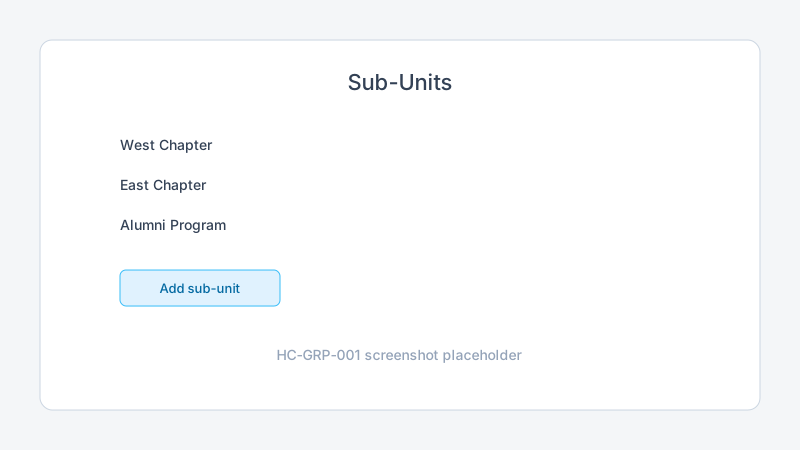
- Enter a clear name (for example, “West Chapter” or “Varsity Team”).
- Add an optional description if your organization uses one.
- Save the sub-unit.
Step 3: Organize your structure
Repeat for each chapter, team, or program you need.
| Structure pattern | Example sub-units |
|---|---|
| Geographic chapters | North Chapter, South Chapter |
| Age or level teams | Varsity, JV, Alumni |
| Programs | Summer Series, Annual Gala |
Step 4: Prepare for Sub-Admins and events
- Confirm each sub-unit appears in your organization directory.
- Plan which Sub-Admins will manage each sub-unit (invites are covered in a future article).
- When structure is ready, proceed to Events in App.Trepy.com to create your first event.
Sub-Admins publish events within assigned sub-units. Organization Admins retain org-wide billing and Stripe settings.
Tips
Common mistakes
Troubleshooting
| Problem | Likely cause | Solution |
|---|---|---|
| Cannot create sub-units | Not Organization Admin | Switch to Organization Admin workspace |
| Sub-unit option missing | Onboarding incomplete | Finish onboarding checklist |
| Sub-Admin cannot see sub-unit | Wrong assignment | Confirm Sub-Admin is assigned to that sub-unit |
| Duplicate sub-unit names | Copy-paste error | Rename for clarity in the structure settings |
Frequently Asked Questions
What is a sub-unit in Trepy?
A sub-unit is a group, chapter, team, or program within your organization. Sub-Admins work inside assigned sub-units.
How many sub-units can I create?
Limits may depend on your Trepy subscription plan. Check billing settings or plan details if you hit a cap.
Am I ready to create an event after sub-units?
Yes. With onboarding complete and sub-units in place, your organization is ready for event creation in the next Help Center journey.
Related articles
Next steps
Create and publish your first event.
Release notes
_No release note links yet._