(1).png)
Introduction
When an event is cancelled, oversold, or a purchaser needs their money back, Sub-Admins use the refund purchasers workflow to return ticket payments through Stripe. Refunds update ticket status so invalidated tickets cannot be scanned at the door.
Objectives
After reading this article, you will be able to:
- Find purchasers and orders eligible for refund
- Issue a refund for one or more tickets
- Confirm financial reconciliation after refunds
Prerequisites
- View earnings and statements for revenue context
- Add ticket types on the event
Video tutorial
YouTube embed placeholder — replace with a published video ID in Stage 5.
Steps
Step 1: Open refund purchasers
- Sign in to your Sub-Admin workspace.
- Select the event.
- Navigate to Refund purchasers, Refunds, or Orders.
Step 2: Find the purchaser
- Search by name, email, or order ID.
- Open the order details.
- Confirm ticket type, amount paid, and check-in status.
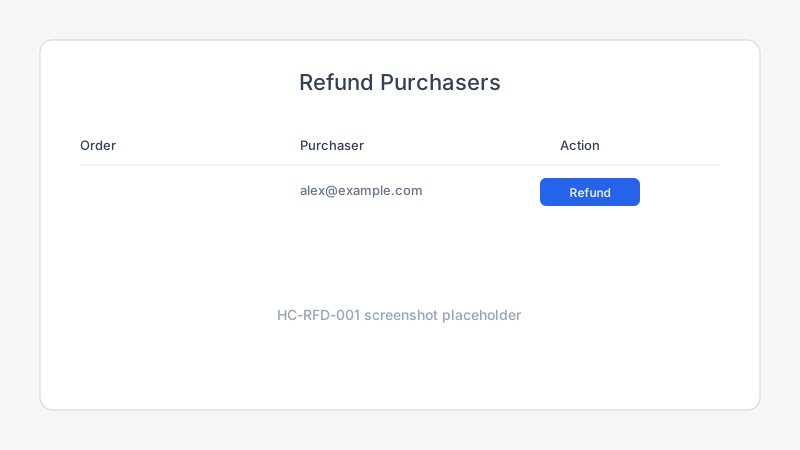
Step 3: Issue the refund
- Click Refund, Refund purchaser, or Issue refund.
- Choose full or partial refund if supported.
- Enter a reason for internal records (attendees may see a generic confirmation).
- Confirm the refund.
Trepy sends the refund request to Stripe. The purchaser’s ticket is cancelled or marked invalid in My Tix.
Step 4: Confirm reconciliation
- Note the refund amount and timestamp.
- Update earnings and statements after Stripe processes the refund.
- Communicate with the purchaser if refund delays occur.
Best practices
Troubleshooting
| Problem | Likely cause | Solution |
|---|---|---|
| Refund button disabled | Free ticket or already refunded | Confirm order status |
| Partial refund unavailable | Ticket type rules | Issue full refund or contact Organization Admin |
| Purchaser still has QR code | Sync delay | Ask attendee to refresh My Tix |
| Revenue mismatch after refund | Payout already sent | Review net payout in statements; expect Stripe adjustment |
Frequently Asked Questions
Who can process refunds?
Sub-Admins execute refunds for their events. Organization Admins can monitor org-wide refund status.
How long until the purchaser receives money?
Stripe processing times vary. See troubleshooting refund delays.
Are platform fees refunded?
Fee handling depends on your organization’s Stripe Connect configuration. Check the refund confirmation and statement line items.
What happens at check-in after a refund?
Refunded tickets should scan as invalid. Agents can use manual check-in only per organizer policy.
Related articles
Next steps
If purchasers report delays, see troubleshooting refund delays.
Release notes
_No release note links yet._