(1).png)
Introduction
If checkout succeeded but your ticket is missing from My Tix, the issue is usually the wrong Trepy account, an unverified email, or a delayed confirmation — not a lost payment. This guide helps you find your ticket before event day and at the door.
Objectives
After reading this article, you will be able to:
- Confirm which account holds your purchase
- Recover a missing ticket in My Tix
- Escalate to the organizer when tickets still cannot be found
Prerequisites
Steps
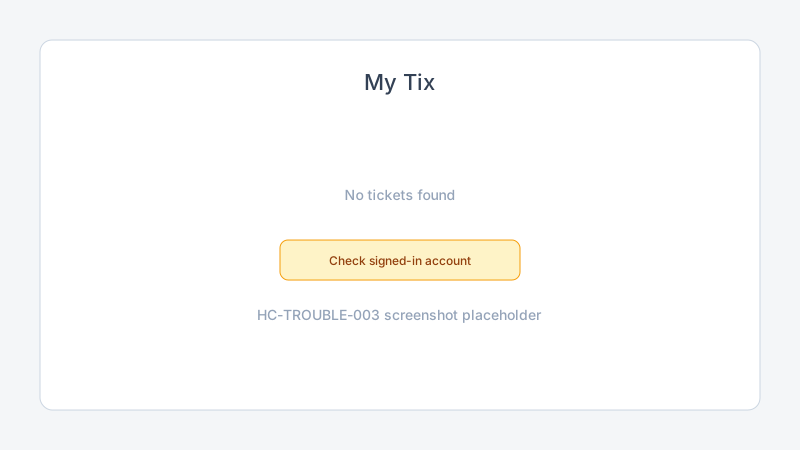
Step 1: Confirm the signed-in account
- Sign in at App.Trepy.com.
- Check the email shown in your profile or account menu.
- Compare it to the address used during checkout.
Tickets attach to the account that was signed in when you paid. If you used a different email, sign in to that account instead.
Step 2: Verify your email
- Open email verification if prompted.
- Complete verification and return to My Tix.
- Refresh the ticket list.
Unverified accounts may not display new tickets immediately.
Step 3: Check confirmation and payment
- Search your inbox for the Trepy or organizer confirmation email.
- Confirm Stripe or payment receipt shows Succeeded.
- Wait five minutes and refresh My Tix — rare delays can occur after checkout.
Step 4: Search My Tix again
- Open My Tix from Member home.
- Check Upcoming and Past if filters exist.
- Search by event name if the list is long.
See find and use your tickets for the normal workflow.
Step 5: Contact the organizer
If you still cannot find the ticket after the steps above:
- Email the event organizer with your purchase confirmation and payment receipt.
- Include the email address used at checkout.
- At the door, ask staff to use manual check-in while the organizer resolves the order.
Troubleshooting
| Problem | Likely cause | Solution |
|---|---|---|
| Ticket missing | Wrong account | Sign in to checkout account |
| Payment succeeded, no ticket | Email not verified | Verify email; refresh My Tix |
| Cannot find ticket | Guest checkout on new account | Use password reset on checkout email |
| Ticket shows cancelled | Organizer refund or change | Contact organizer |
Frequently Asked Questions
I paid but don't have my ticket — was I charged?
Check your card or Stripe receipt. If charged, the ticket is almost always on the signed-in checkout account.
Can door staff admit me without a QR code?
Ask the organizer. Agents may manually check you in after verifying your purchase.
Does this apply to free tickets?
Yes. Free registrations also appear in My Tix on the account used to claim them.
Related articles
Next steps
Once tickets appear, open My Tix and display your QR code at the door.
Release notes
_No release note links yet._