(1).png)
Introduction
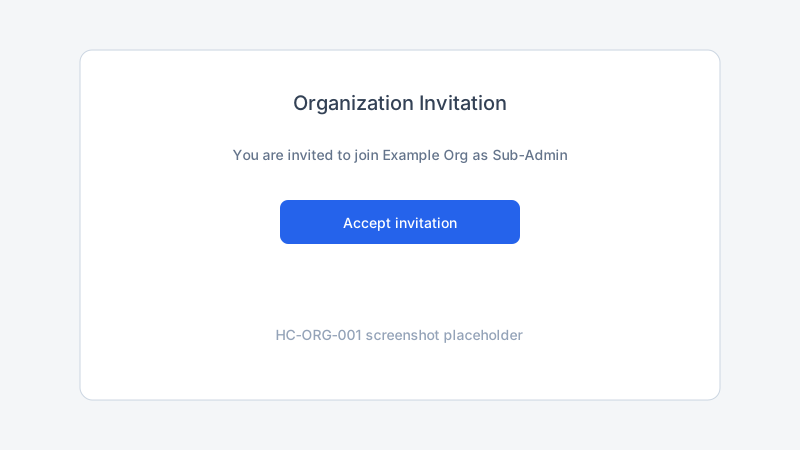
When an Organization Admin invites you to Trepy, you receive an email with an Accept invitation link. This guide shows how to accept invites for Organization Admin, Sub-Admin, or Check-in Agent roles and open the correct workspace.
Objectives
After reading this article, you will be able to:
- Accept an organization invitation from email
- Use the correct Trepy account for the invited email address
- Open your new workspace after the invite is accepted
Prerequisites
- Create a Trepy Member account using the same email that received the invite
Video tutorial
YouTube embed placeholder — replace with a published video ID in Stage 5.
Steps
Step 1: Open the invitation email
- Check the inbox for the address that received the invite.
- Find the message from Trepy with your organization name and role.
- Note whether you are invited as Organization Admin, Sub-Admin, or Check-in Agent.
Step 2: Accept the invitation
- Click Accept invitation in the email.
- If prompted, sign in to Trepy with the invited email address.
- If you do not have an account yet, complete Member signup first, then return to the invite link.
- Confirm acceptance on the Trepy screen.
Step 3: Verify your email if required
Trepy may require email verification before admin workspaces unlock.
- Complete verification if prompted.
- Sign out and sign back in after verifying.
Step 4: Open your new workspace
- Use the workspace switcher.
- Select the organization and role from your invitation.
- Read Organization Admin vs Sub-Admin roles if you are unsure what you can do next.
Best practices
Common mistakes
Troubleshooting
| Problem | Likely cause | Solution |
|---|---|---|
| Invitation link expired | Invite past validity period | Ask your Organization Admin to send a new invite |
| Accept button does nothing | Wrong Trepy account signed in | Sign out; open link in a private window |
| Workspace missing after accept | Email not verified | Verify your email |
| Wrong role shown | Invite was for a different role | Confirm invite details with your Organization Admin |
Frequently Asked Questions
Can I accept an invite on mobile?
Yes. Use a mobile browser and the same email address that received the invitation.
Do I need a separate account for Sub-Admin vs Organization Admin?
No. One Trepy account can hold multiple roles. The invite adds a role to your existing account.
What if I was invited but never got email?
Ask the Organization Admin to resend the invite and confirm they used the correct email address.
Related articles
- How to Verify Your Email Address
- How to Switch Between Member and Admin Workspaces
- Troubleshooting Role and Workspace Access
Next steps
Verify your email address, then continue organization setup with the onboarding checklist.
Release notes
_No release note links yet._